Sorry, your browser is not supported
Please use Google Chrome, Mozilla Firefox, Safari or Microsoft Edge to open this page
game-logo

Go-Go Town

Build, Manage, and Thrive! Go Go Town Turns You Into the Ultimate City Planner!

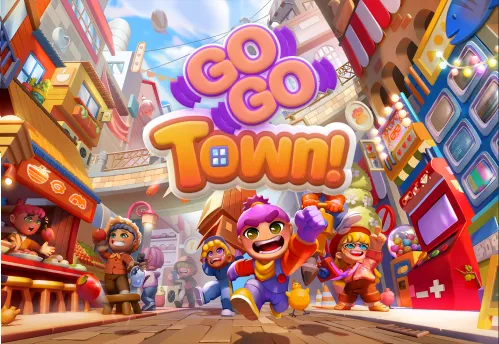
about game image

About the game

Take charge of a bustling town in Go Go Town! Plan, build, and manage every aspect of your growing city, from small shops to big attractions. Whether you're a builder or a planner, this game lets you create the town of your dreams!

Official store

Trusted. Transparent. Reliable.

Secure payment

Only verified payments methods

FAQ

How do I activate a Steam key?

To activate a CD key on Steam, follow these steps:


  1. Launch the Steam client on your computer and log into your Steam account. If you don't have Steam installed, you can download and install it from the official Steam website.
  2. Click the Games menu option at the top of the Steam client. 
  3. Select Activate a Product on Steam. 
  4. Follow the onscreen instructions to complete the process. 
  5. Once the game appears in your library, download and install it by clicking on it and selecting the Install button.
  6. If you encounter any issues during activation, please see this Retail CD Keys article for more info. If problems persist, you may contact Xsolla Customer Support at Xsolla Help Center.


What are the supported languages?

  1. Interface: English, French, German, Japanese, Simplified Chinese, Korean, Thai, Portuguese - Brazil, Spanish - Latin America, Traditional Chinese
  2. Subtitles: English, French, German, Japanese, Simplified Chinese, Korean, Thai, Portuguese - Brazil, Spanish - Latin America, Traditional Chinese

I have an issue with my purchase. How can I get help?

If you have any issues with your purchase, please email us at support@xsolla.com or simply click on the customer support button located on the bottom left of the homepage  to start a live chat. In rare cases, it may take up to a few minutes for emails from Xsolla Mall to deliver.